
Resolve Disputes and Complaints Faster
Quickly access historical communications to support investigations and resolution.


Intelligent Archiving securely preserves calls, meetings, chats, SMS, email, and customer interactions in a centralized, encrypted platform. This gives organizations fast access to critical information while supporting compliance, legal obligations, and operational insight.
With intuitive search, playback, exporting, and reporting across all channels, teams can find what they need—exactly when they need it.
Quickly access historical communications to support investigations and resolution.
Use real interactions to coach employees and improve service quality.
Preserve institutional knowledge as teams and roles change.
Reduce the burden on operations and legal teams with powerful search and retrieval tools.
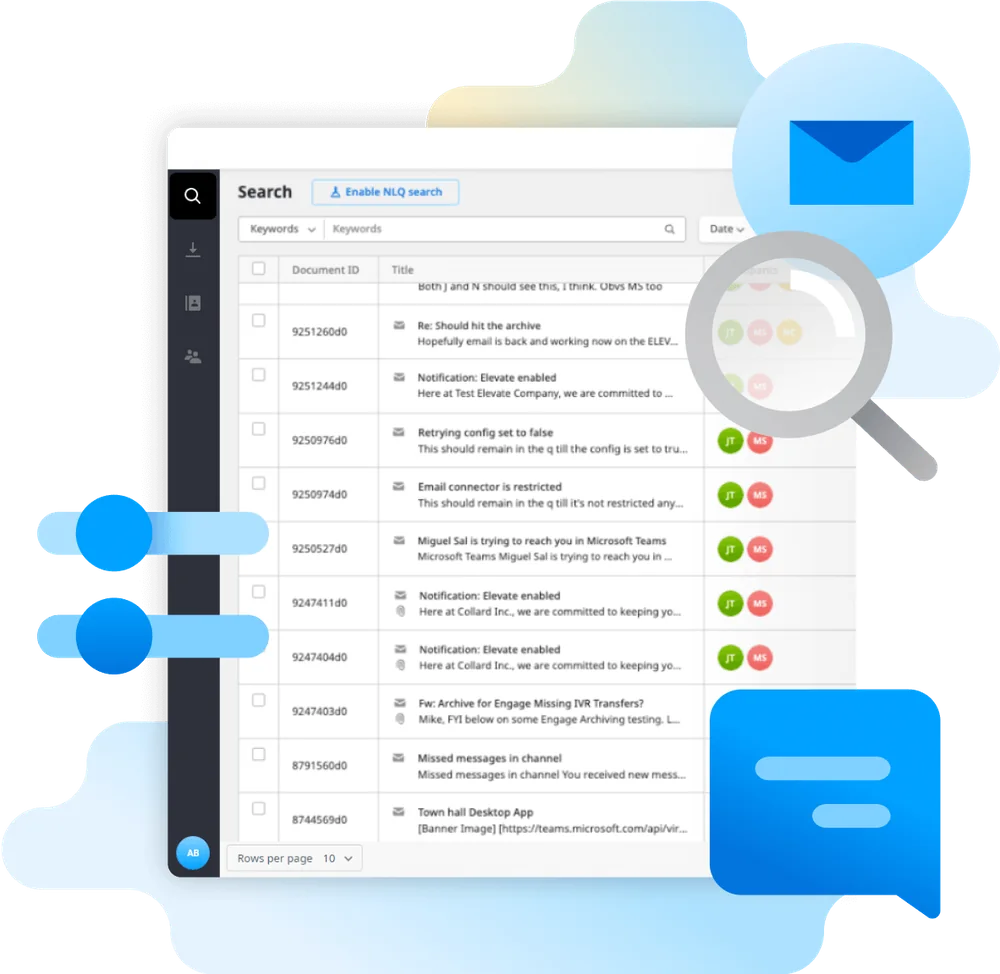

Extend the value of ELEVATE or Contact Center with Intelligent Archiving to better manage, protect, and leverage your communications data.
Learn More About ELEVATE → Learn More About Contact Center →

Tell us what you need to capture, search and retain. We’ll help you explore a practical path forward.
Not necessarily. A call log tells you that a call happened, and a voicemail is a message left by a caller. Regulated or policy-driven archiving may require recordings, messages, retention rules, search, permissions, and record-preservation controls that are not part of a basic phone feature. We identify what must be retained and for how long before selecting an eligible archiving service.
Archiving capabilities depend on the purchased service, supported communications channels, and configuration. A business should identify the exact records it needs—phone calls, Contact Center interactions, business messages, and other collaboration content—rather than assume one feature captures everything. We will confirm channel coverage, licensing, retention, access controls, and export requirements with the proposed solution.
No technology purchase alone makes an organization compliant. Those obligations depend on the applicable regulation, contracts, configured controls, retention policies, employee behavior, and sometimes a required agreement such as a BAA. We can discuss available platform controls and confirm supplier documentation, but your legal or compliance team should approve the final policy and environment.
The answer depends on the archiving product, retention configuration, permissions, and any legal-hold capabilities actually purchased. Before making a retention promise, determine which records are covered, who may search or export them, and how holds interact with automatic deletion. These are requirements to document during discovery, not settings to guess after launch.
Intelligent Archiving stores calls, meetings, chats, SMS and email in one centralized, encrypted platform with search, playback, export and reporting. It helps businesses find records quickly and supports compliance and legal needs. CloudBusinessPhone.com helps you plan it.
Related topics: Communications archiving, Microsoft Teams archiving, Search and retrieval, Compliance support