Reliable Business Voice That Keeps Work Moving
Give employees and customers clear, dependable conversations with a cloud-based phone system built for day-to-day business demands.

ELEVATE helps businesses work faster, respond better, and stay connected—anywhere work happens.
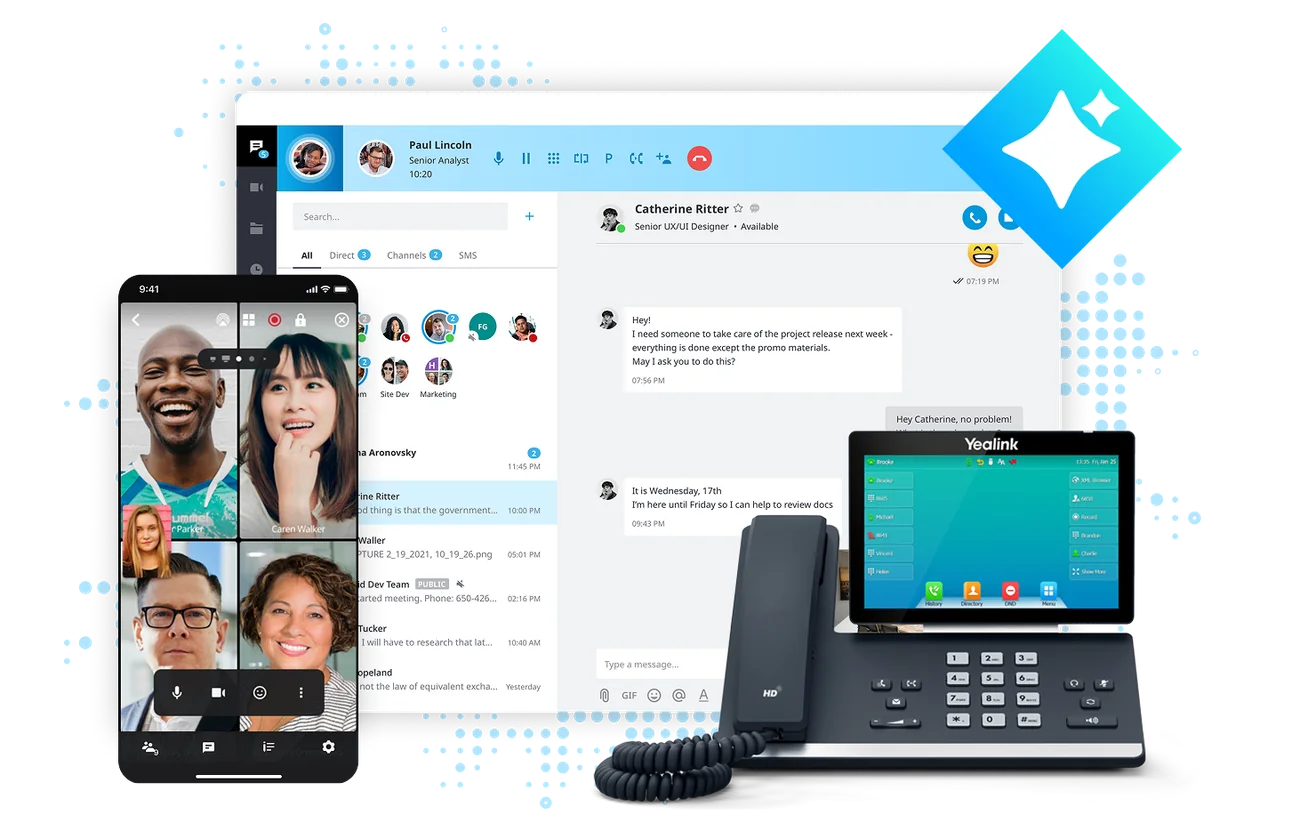
ELEVATE delivers an AI-powered communications experience that brings voice, video, chat, SMS, and file collaboration into one secure, cloud-based platform. Instead of juggling disconnected tools, your teams get a consistent communication experience that supports productivity, responsiveness, and growth.
Give employees and customers clear, dependable conversations with a cloud-based phone system built for day-to-day business demands.
Built-in video conferencing makes it easy to connect visually, speed decision-making, and strengthen relationships.
Enable real-time collaboration with team chat that keeps conversations flowing across devices.
Share and collaborate on files securely from any location with built-in file management and real-time backup and restore.

Employees collaborate seamlessly from home, the office, or the field—on the devices they already use.
With 99.999% uptime, ELEVATE helps ensure your business stays reachable and operational.
Reduce the expense and complexity of on-premises hardware. There is no on-premises phone system to buy, maintain, or upgrade.
Easily add users, features, or locations as your business grows—without disruption.
Stay connected even during power outages or unexpected disruptions, helping protect revenue and customer trust.
AI Assistants in ELEVATE work as personal productivity tools, handling time-consuming tasks so employees can focus on higher-value work.
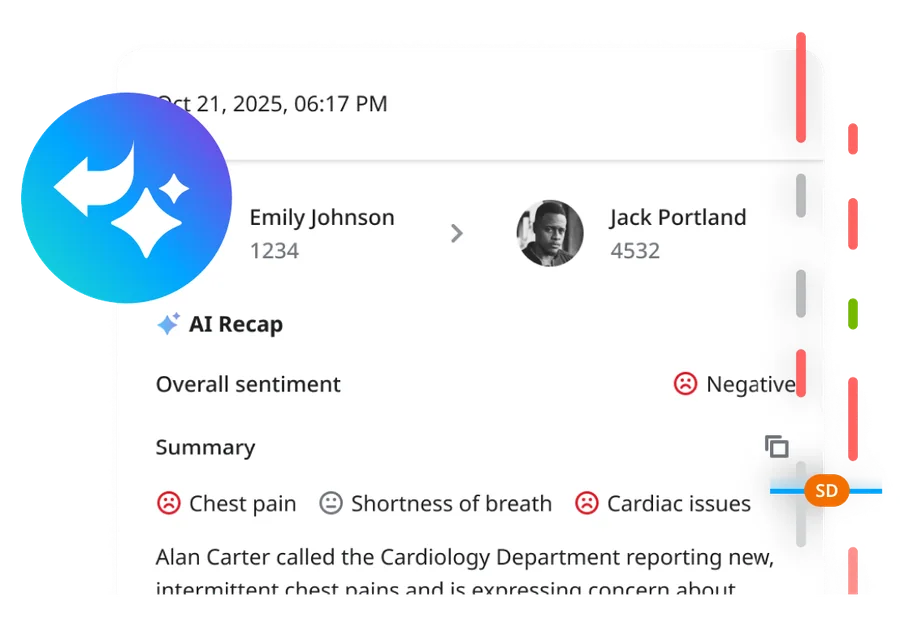
Turn every call and meeting into clear notes, action items, and follow-ups automatically.
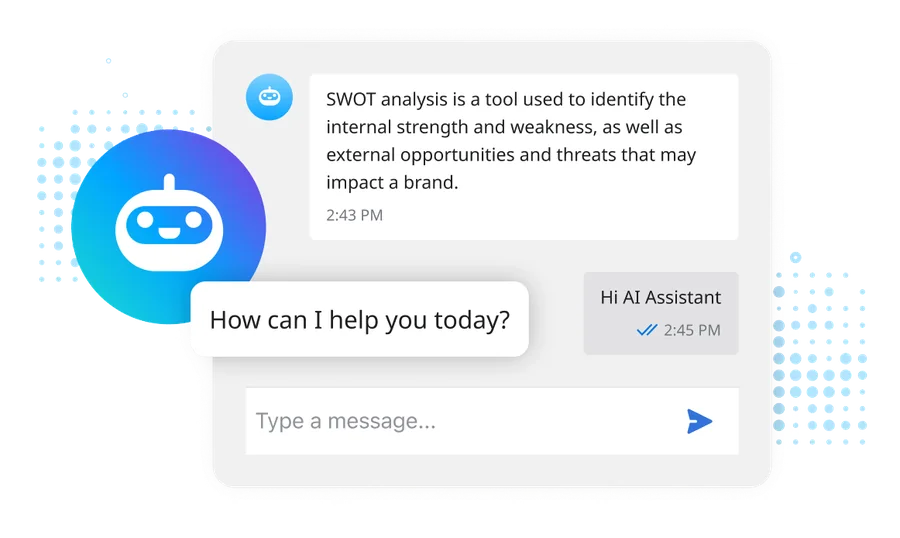
Get quick answers, create content, and translate text so work moves faster without extra tools.
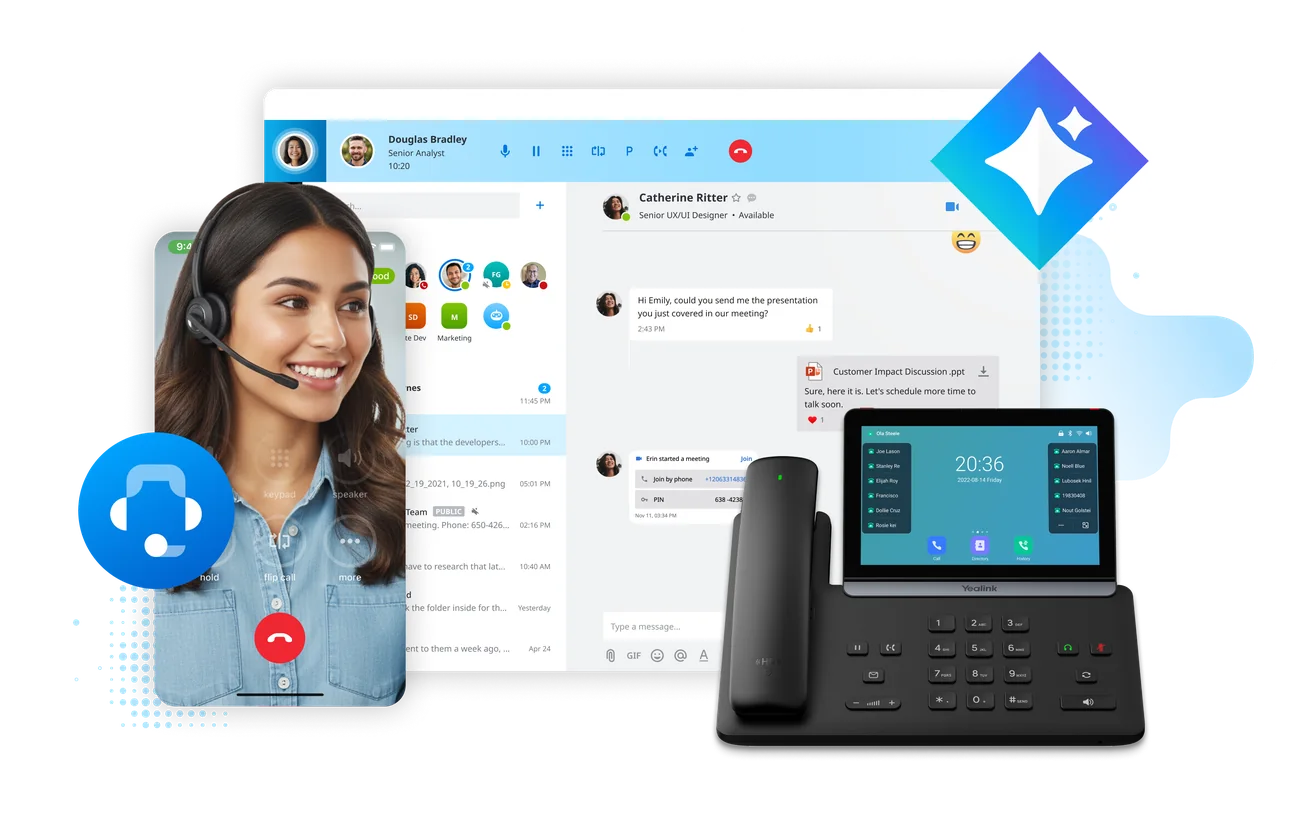
Calls, chat, meetings and file sharing from your Mac or PC.
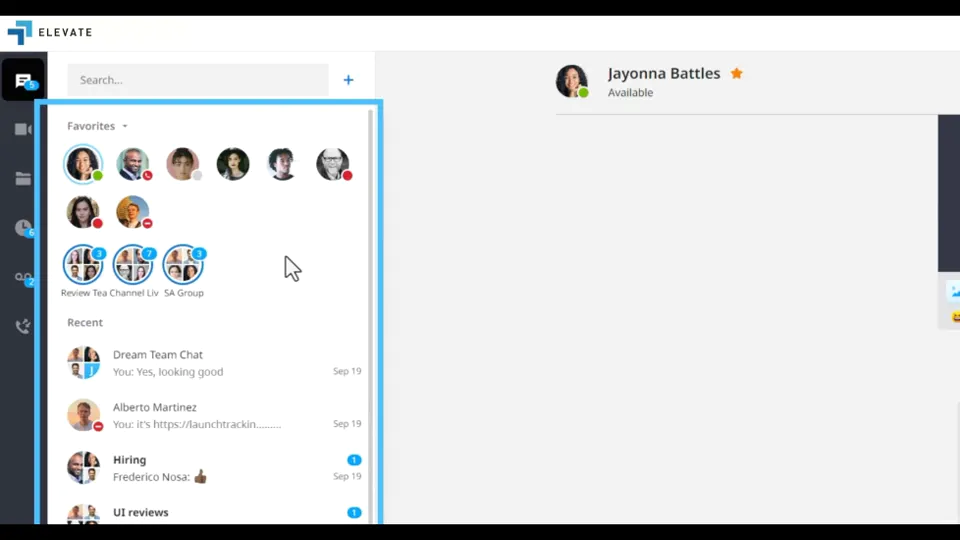
Take business calling, chat and meetings with you on any Apple or Android device.

ELEVATE’s advanced cloud phone and SMS functionality works directly within Microsoft Teams—no additional phone system license required.
Users communicate, collaborate, and interact with customers from one familiar Teams interface, reducing friction and training time.
Capabilities such as call queues, SMS, monitor, whisper, and barge help teams manage high-volume calls efficiently—without leaving Teams.
A short look at business calling and SMS working inside the Teams app your people already use.


Securely capture and preserve calls, meetings, chats, and SMS conversations to support compliance, dispute resolution, and insight discovery.
Learn more →
Improve responsiveness by enabling customers to reach your business through SMS/MMS on your main or toll-free number.

Simplify billing with flat-rate pricing, shared minutes, and a single consolidated invoice.
A unified cloud solution brings employee collaboration and omnichannel customer engagement together in one interface—reducing complexity and improving visibility.
A single system helps reduce hold times, improve call effectiveness, and enable employees to resolve issues more efficiently.
 Brochure \u00b7 PDF · free download
Comprehensive guide to Elevate Unified Communications features, apps, and integrations.

Tell us how your team communicates today. We’ll help you explore a practical path forward.
A traditional on-site PBX typically depends on equipment located in your building. ELEVATE Cloud Business Phones hosts the calling system in a cloud service so staff can use supported desk phones, desktop apps, and mobile apps without maintaining a PBX server on site. Your internet connection, network, device choices, and emergency-calling details still need planning. Read the onboarding guide.
With the supported ELEVATE mobile app and an appropriate license, employees can use their business identity for calls without publishing a personal mobile number. This can be useful for sales staff or employees working away from a desk. The exact calling and messaging features depend on platform, permissions, and licensing, and staff still need a working data or mobile connection.
Possibly. We check the exact model, firmware, service compatibility, provisioning support, and whether the device meets your needs. An IP phone that technically powers on is not necessarily approved for a particular ELEVATE deployment. We also account for conference phones, headsets, adapters, and any equipment connected to old analog lines.
Desk phones and office applications relying on that connection may stop working. Supported mobile access or prearranged forwarding may provide another route for calls, depending on the design and the availability of separate networks. We discuss connectivity, power, routing fallback, and who will change settings during an outage instead of promising that cloud hosting eliminates all local interruptions.
For a small or midsize business replacing an on-premises system, two to six weeks is a useful planning range, with larger or more complex migrations taking longer. Number transfers often influence timing: the current onboarding material estimates roughly two to four weeks for local numbers and one to two weeks for toll-free numbers, subject to carrier response. Your actual schedule is established after discovery and port eligibility checks.
ELEVATE Business Phone is a cloud-based communications platform that brings voice, video, chat, SMS and file collaboration into one system, with AI call and meeting recaps. CloudBusinessPhone.com helps businesses plan and set it up.
Related topics: Cloud business phone, Business voice, Video and chat, AI call recaps